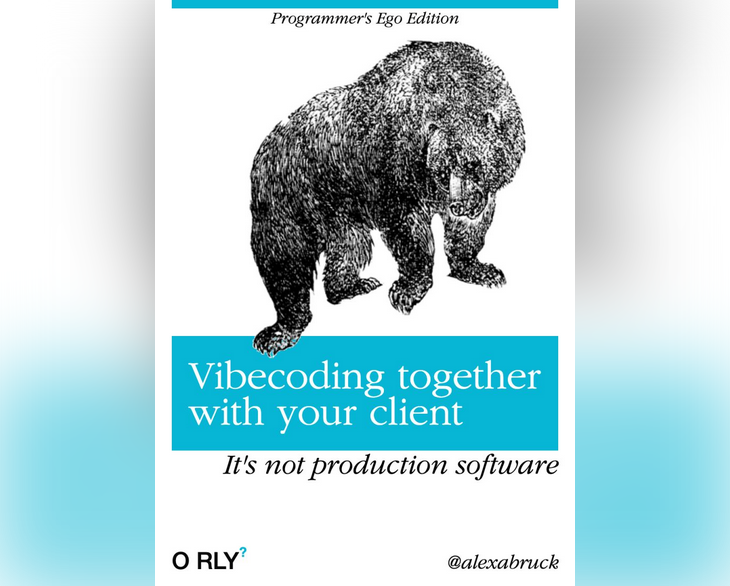
Let’s face it: Everybody can create code now. Get over it, programmer egos, we don’t have a “magic skill” anymore.
Of course, that does not mean that everybody is a software developer. There is much more to developing software than cranking out code. And we should know that :-)
Should vibecoded* code be put into production? No! Can vibecoding be useful to create rough prototypes or proofs of concept? Hell, yes!
Georg Zoeller introduced me to a possible new workflow for software development, especially for early user interface design: The developer meets with the client (or better: user) and a designer for 1-2 hours, and together they prompt a functioning UI prototype into existence.
The first time I heard about it, it sounded scary, my programmer ego was attacked. It also reminded me of 2 very challenging experiences I had as a dev: 1. Pair programming and 2. Clients who are micromanaging
But the more I think about it, I want to give the workflow a chance:
This real-time prototyping session brings so much domain knowledge (“context”) to the table. The traditional iterative design loop (going back and forth from client to designer to developer), prototyping hypotheses and checking them against reality, can be shortened indeed!
Up to now, I have never heard from anybody who tried this workflow in reality.
There’s so much we have to figure out!
What’s the protocol, who’s “leading” such a meeting? In “Pair programming” there is a driver and a navigator. Are we all three staring at the same screen?
And most importantly: How to explain to the client that this vibecoded thing is JUST A PROTOTYPE (eventhough it seems working) and needs to be rewritten from scratch?
* my definition of vibecoding here is: Using LLMs to generate code that is not read, tested or understood by the creator
This text is originally a post on LinkedIn – check it out, the comments are quite insightful: https://www.linkedin.com/feed/update/urn:li:activity:7438917339506425856/
Oh, and the fake O’Reilly cover was made with this online tool: https://make.orlybooks.com/